
Reolink Elite Floodlight WiFi Camera Review
Active Gear Review is supported by its audience. If you purchase through links on our site, we may earn an affiliate commission.

I recently picked up the Reolink Elite Floodlight WiFi Camera, and I have been using it for a few weeks now. I wanted to take some time to share my thoughts and experience with this camera. I have been using Reolink products for a while, including the Argus 4 Pro and the Reolink Home Hub. I have been really happy with how those work, so when I saw that Reolink came out with the Elite Floodlight Camera, it felt like the right choice to expand my security setup.
My long-term plan is to install this camera on a new pole barn that I am building on my property. The barn is still a couple of months from being finished, but I didn’t want to wait that long to test the camera. So I decided to mount it on the front of my house to test it out. That way, I could monitor my property while I was away on a camping trip and see how the camera performs in a real-world setting.
Installation

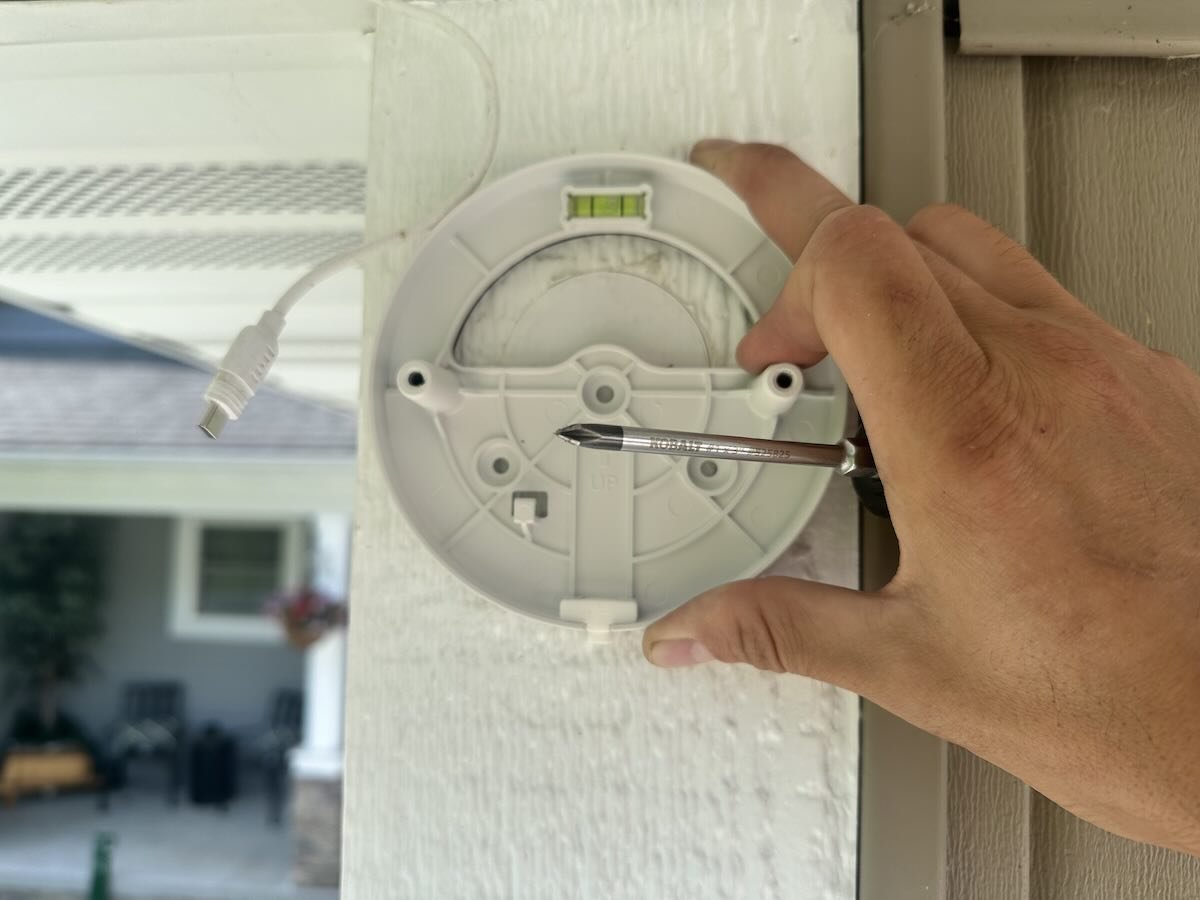
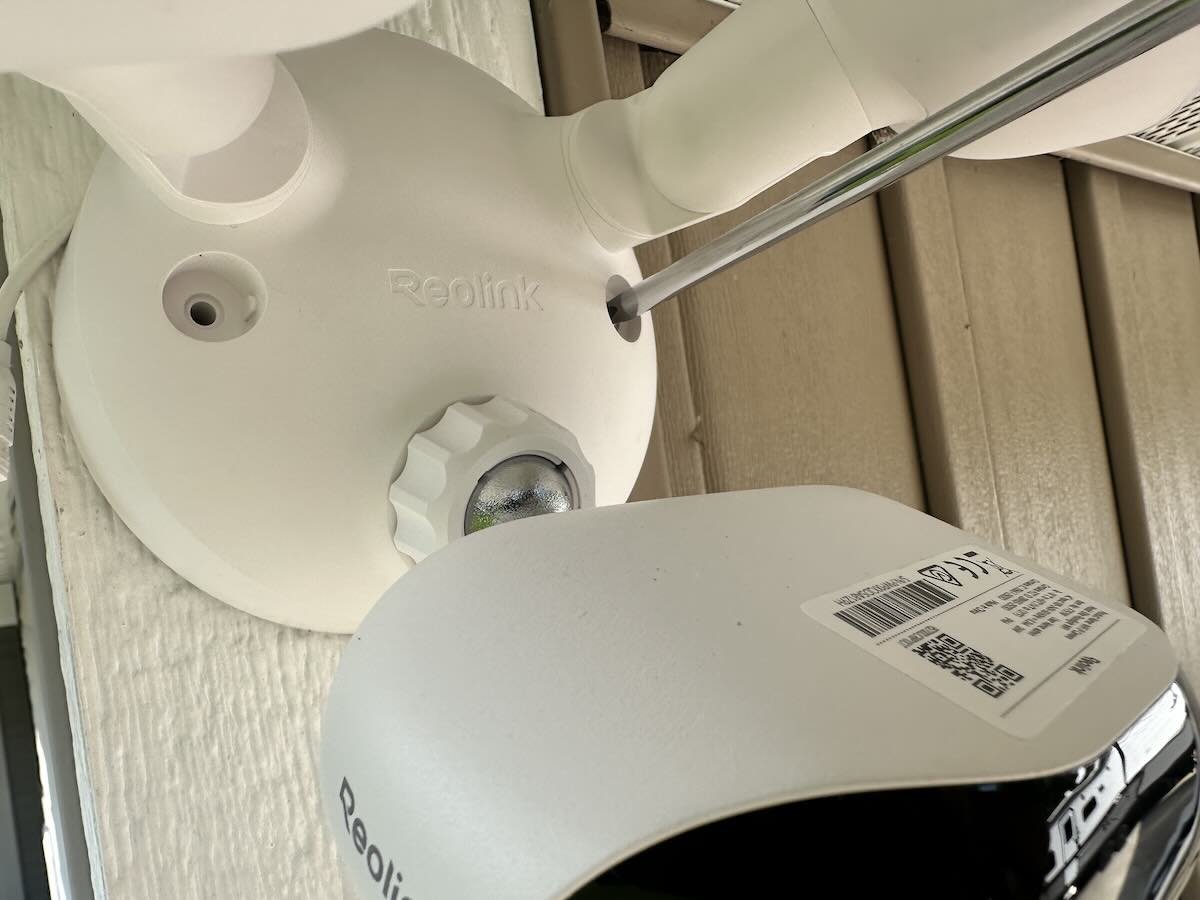
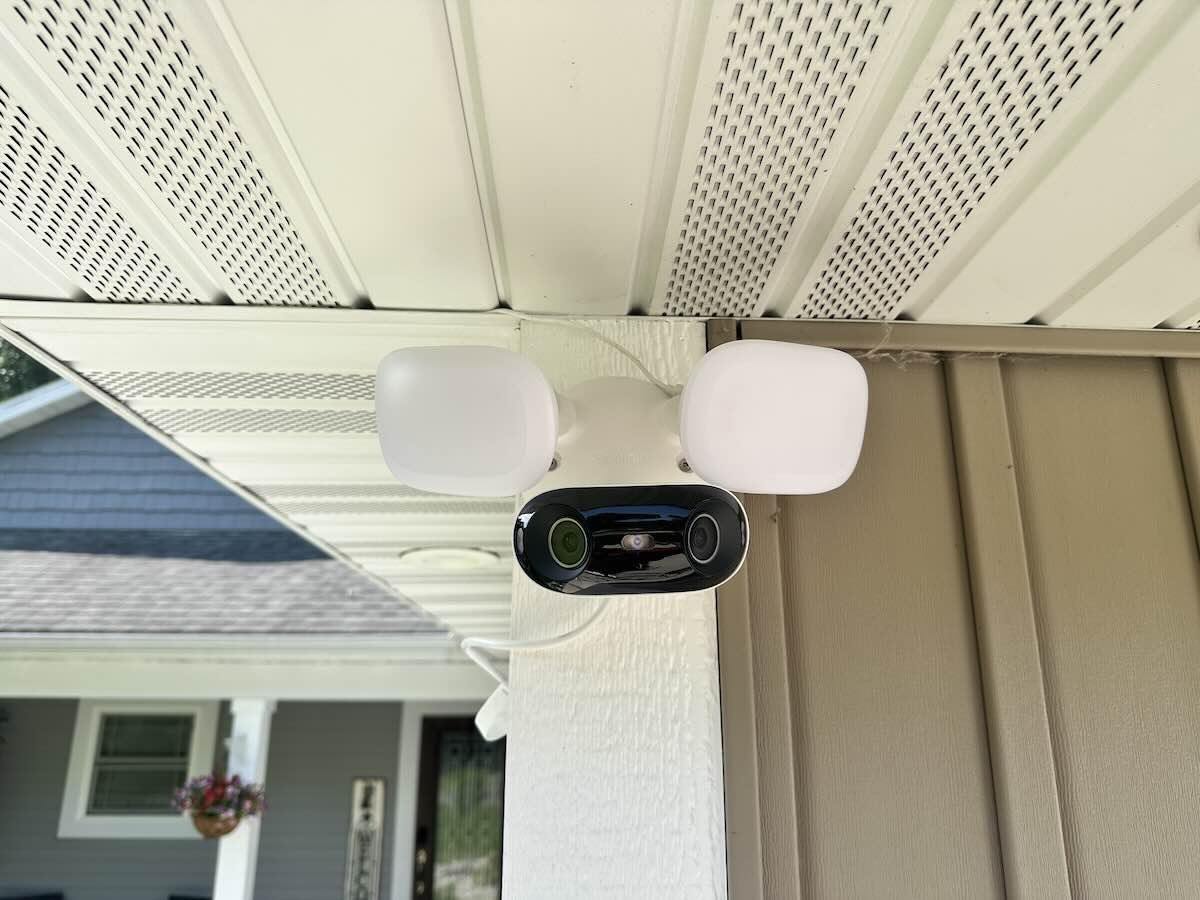
Installing the camera was a pretty straightforward process. I decided to mount it in the exact spot where my Argus 4 Pro used to be. This made it easy because the nearby solar panel was something I wanted to test with the camera, and I knew the camera would have a good view of my driveway and front yard.

One thing to know about this camera is that it requires constant wired power. It does not have a battery like some of Reolink’s other models. At first, I tried to hook it up to the solar panel that I originally bought with my Argus. During the day, the solar panel provided enough power to run the camera. But as soon as the sun went down, the camera shut off because it doesn’t have an internal battery to store power for nighttime use.

To solve that, I ran a power cable into my garage and plugged it into a regular outlet. After that, the camera stayed on 24 hours a day, seven days a week without any problems. When the time comes to install it on the pole barn, I will make sure to plan the wiring properly so that everything looks clean and hidden.
Performance During My Camping Trip
While I was away on my camping trip, the Elite Floodlight Camera kept an eye on things back home. It recorded clear video clips, sent alerts to my phone, and stayed connected to my Reolink Home Hub without any issues. I really like that I can manage all of my Reolink cameras in the same app. It keeps everything organized and makes checking my cameras easy, even when I am away from home.

The app gives me full control over all important settings. I can adjust the motion sensitivity, set up zones for the camera to ignore, and control the floodlight settings. I set the camera to ignore certain areas like the road in front of my house and the trees nearby so that it does not send false alerts every time a car drives by or the wind blows the branches.
Features That Stand Out
180 Degree 4K Panorama
The Elite Floodlight Camera uses two lenses that stitch together a full 180 degree image in stunning 4K Ultra HD resolution. That means I get a wide, clear view of my yard and driveway with no blind spots. I was impressed with how sharp the video looks, even at night.
Floodlights and Night Vision

The built-in floodlights provide up to 3000 lumens of brightness, which lights up my entire front yard when needed. I can adjust the color temperature from a warm 3000 Kelvin glow to a cooler 6000 Kelvin white light. The camera also has infrared night vision, so even if the floodlight is off, I still get clear video at night. The system includes smart lighting modes like dusk to dawn, motion triggered, and manual control. There is also a 105 decibel siren and voice alerts for extra security.
Smart AI Detection
The camera uses artificial intelligence to tell the difference between people, vehicles, and animals. I set up custom zones and lines in the app so that it only alerts me when something important happens. This feature really helps cut down on false alarms.
Connectivity and Storage
The camera connects to my home network using dual band WiFi 6 with WPA3 encryption for added security. The Bluetooth setup process was quick and easy. For storage, it supports up to 512 gigabytes of microSD card storage, works with the Reolink Home Hub or NVR, and even offers FTP or NAS options. The best part is that there are no monthly subscription fees required.

MicroSD and USB-C Ports
Specifications
Here are some of the key technical details of the camera:
- Image Sensor: 8 megapixel 1/2.7 inch CMOS sensor with 5120 by 1552 resolution at 20 frames per second
- Field of View: Full 180 degree horizontal coverage
- Lens: 2.8 millimeter focal length with f 1.6 aperture
- Night Vision: Floodlight or nine infrared LEDs with up to 30 meters of range
- Floodlight Brightness: Up to 3000 lumens, with color temperature adjustment from 3000 Kelvin to 6000 Kelvin
- Audio: Two way audio, 105 decibel siren, and voice alert options
- Connectivity: Dual band WiFi 6 with WPA3 security
- Storage: MicroSD card support up to 512 gigabytes, Home Hub, NVR, FTP, and NAS
- Power: Requires wired AC power from 100 to 240 volts
- Weatherproofing: Rated IP66 for outdoor use
- Smart Alerts: Detects people, vehicles, animals, line crossing, intrusion, and loitering
- Warranty: Two year limited warranty with 30 day returns and free shipping
Pros and Cons
Pros
- Sharp 4K 180 degree panoramic video
- Bright, adjustable floodlights with warm or cool color options
- Local AI Video Search for fast and private footage review
- Accurate AI detection with customizable alert zones
- Secure WiFi 6 connection with WPA3 encryption
- Multiple storage options with no required subscription
Cons
- Requires constant wired power with no battery option
- MicroSD card not included in the box
- Price is higher than basic floodlight cameras
- Some homeowners may need an electrician for installation
Conclusion
Overall, I am really happy with the Reolink Elite Floodlight WiFi Camera. It delivers excellent video quality, useful smart features, and strong security, all while integrating perfectly with my existing Reolink system. Just make sure to plan for a wired power setup during installation.
The camera has a price tag of $219.99, and I think that is a fair price for the features you get, especially considering there are no subscription fees. If you want a reliable, full featured security camera with powerful lighting and smart detection built in, I definitely recommend checking it out. You can purchase the camera directly at reolink.com.


